
mac上通过 doxygen + graphviz生成函数调用图
安装Doxygen
1 | brew install doxygen |
安装Graphviz
1 | brew install graphviz |
配置doxygen
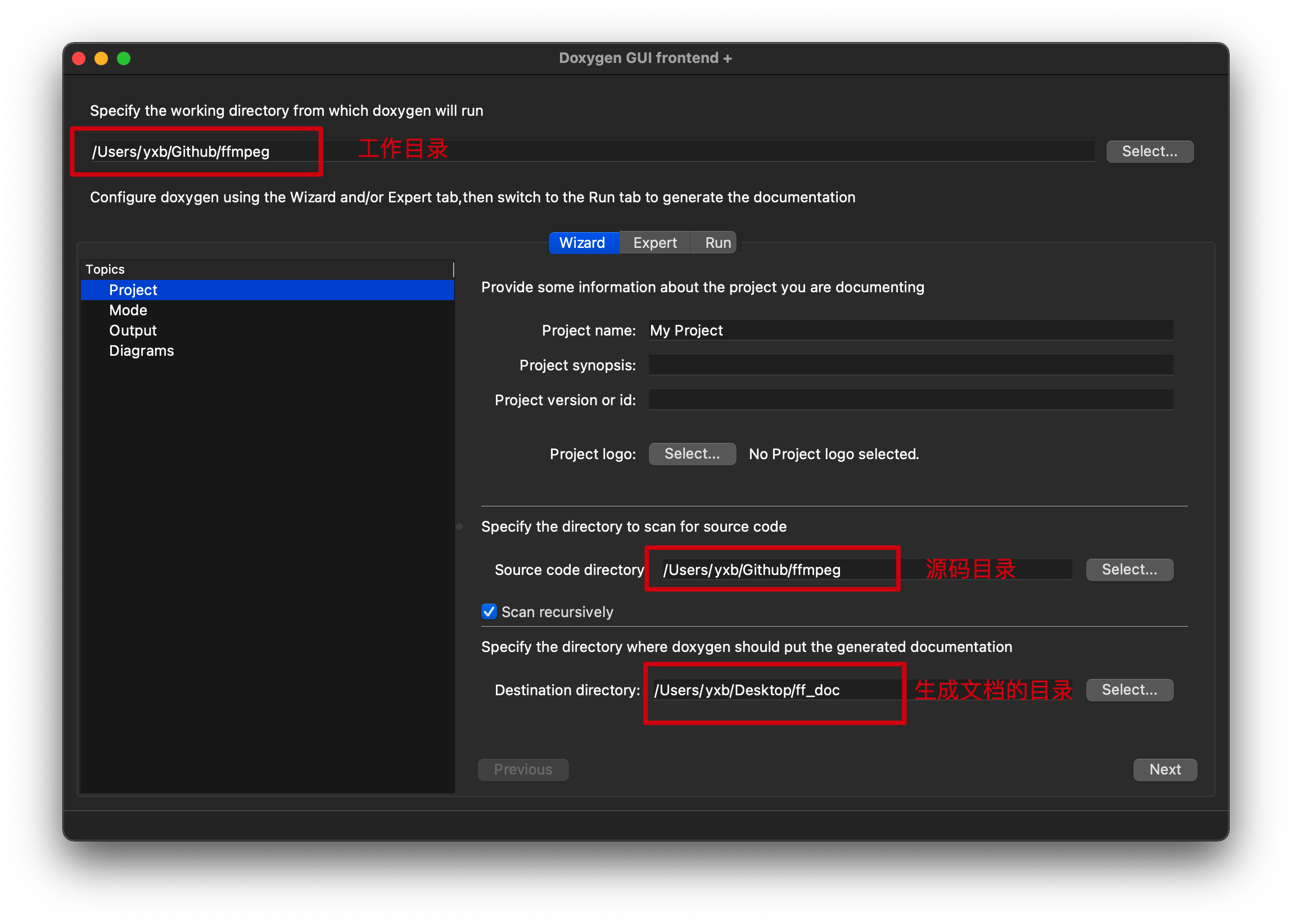
配置工作目录,源码目录,生成文档目录
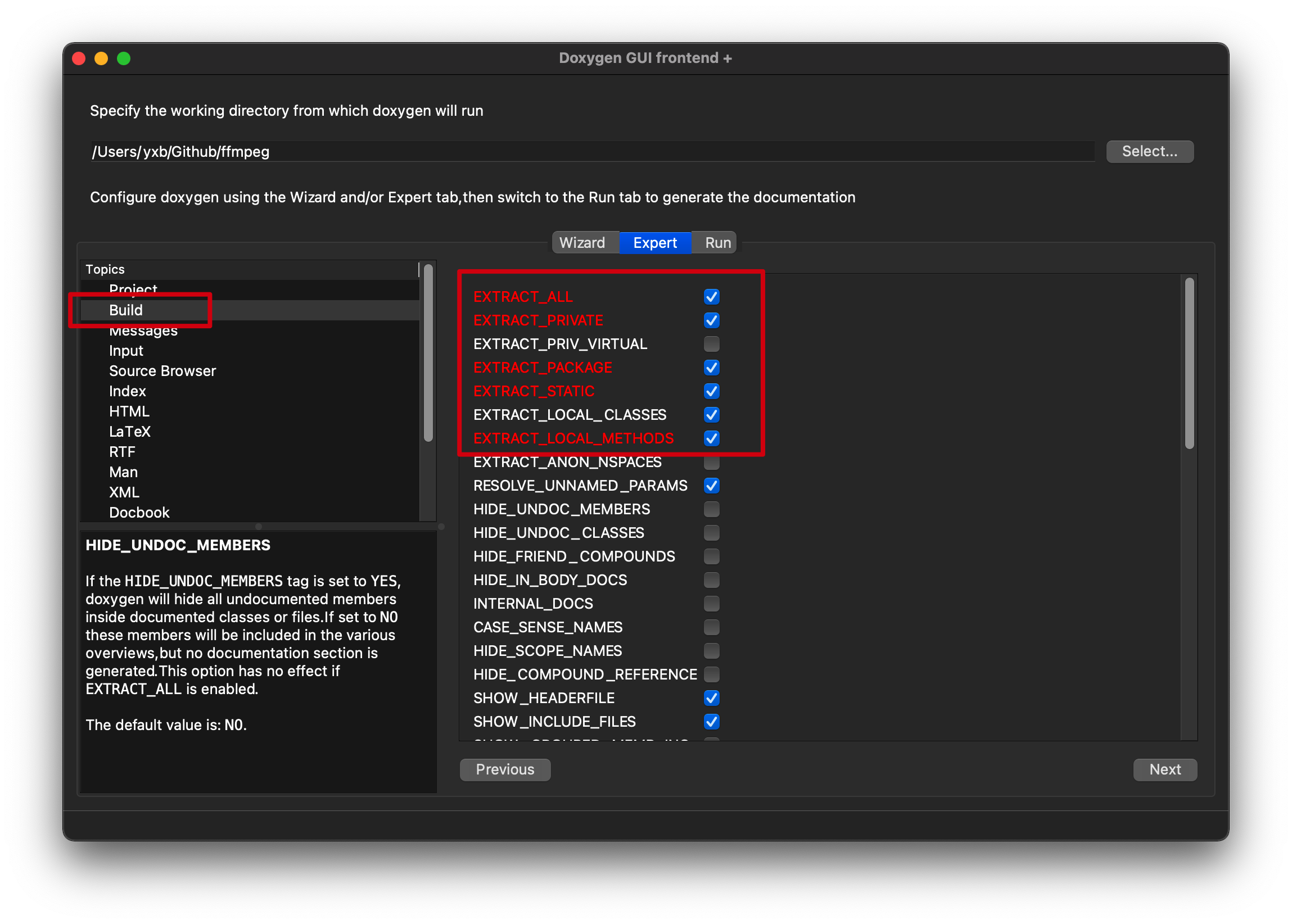
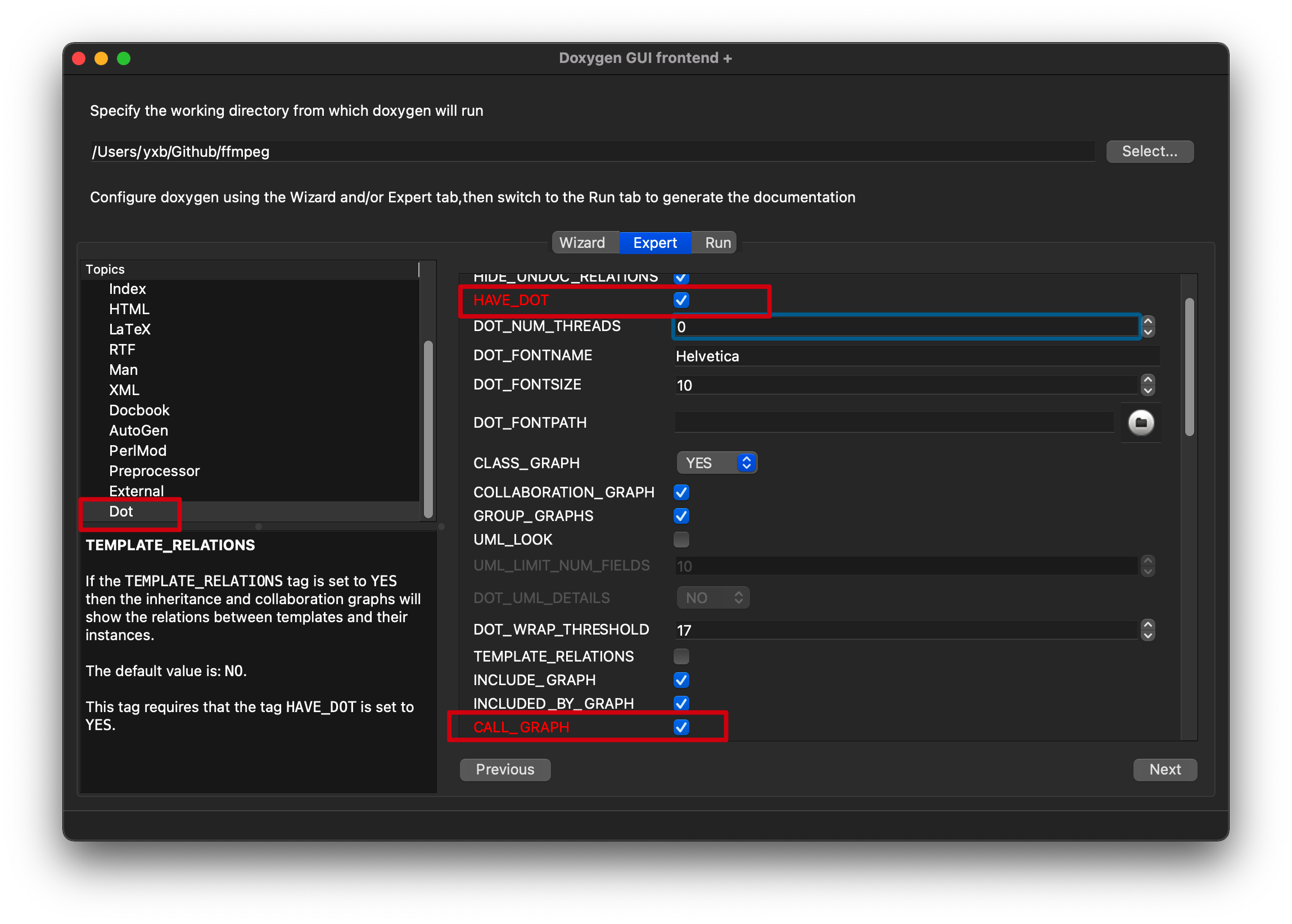
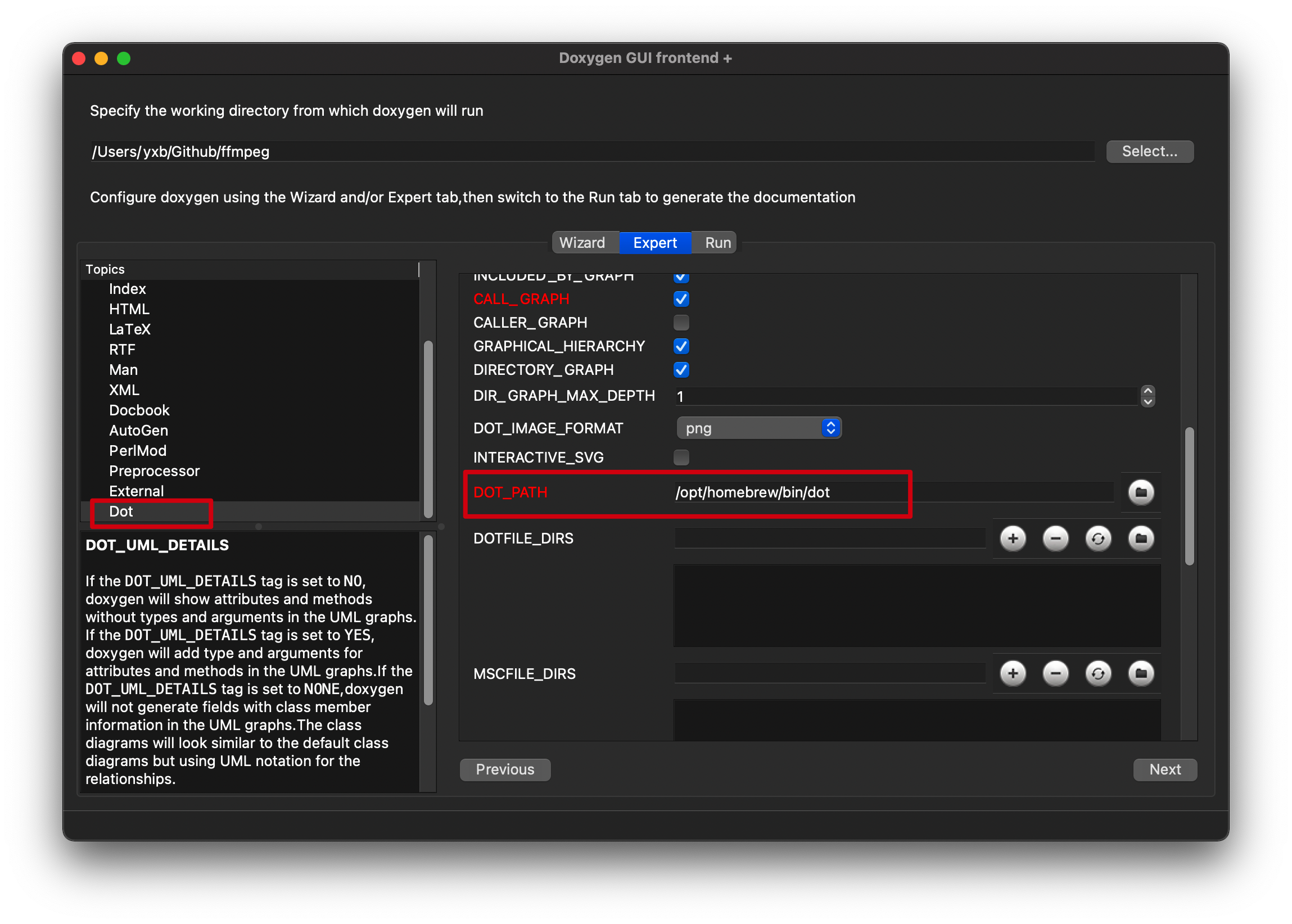
配置DOT_PATH
1 | ➜ ~ which dot |
生成文档和函数调用图
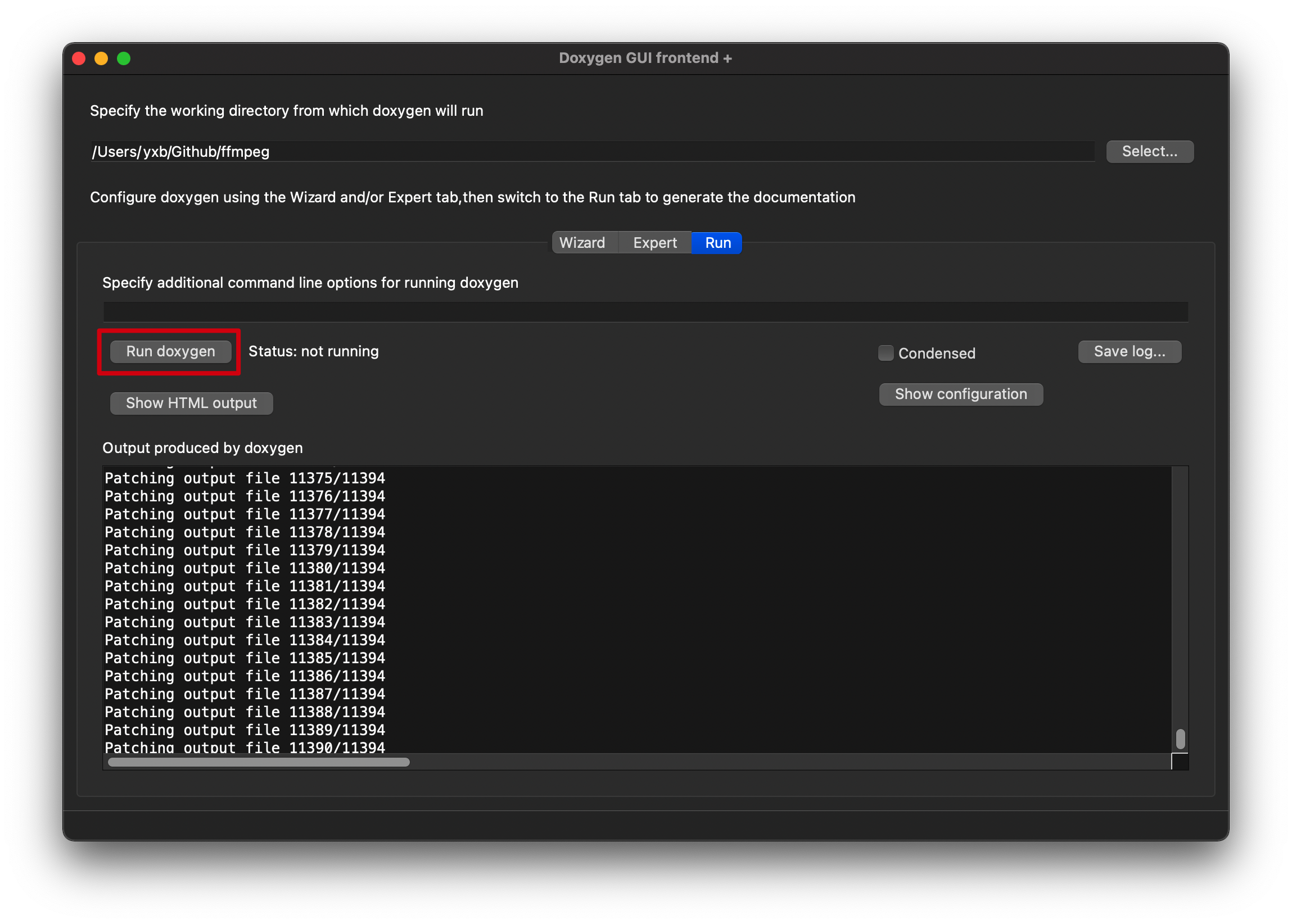
查看函数调用图
1 | ➜ ff_doc ls |
文档生成目录下,打开html/index.html
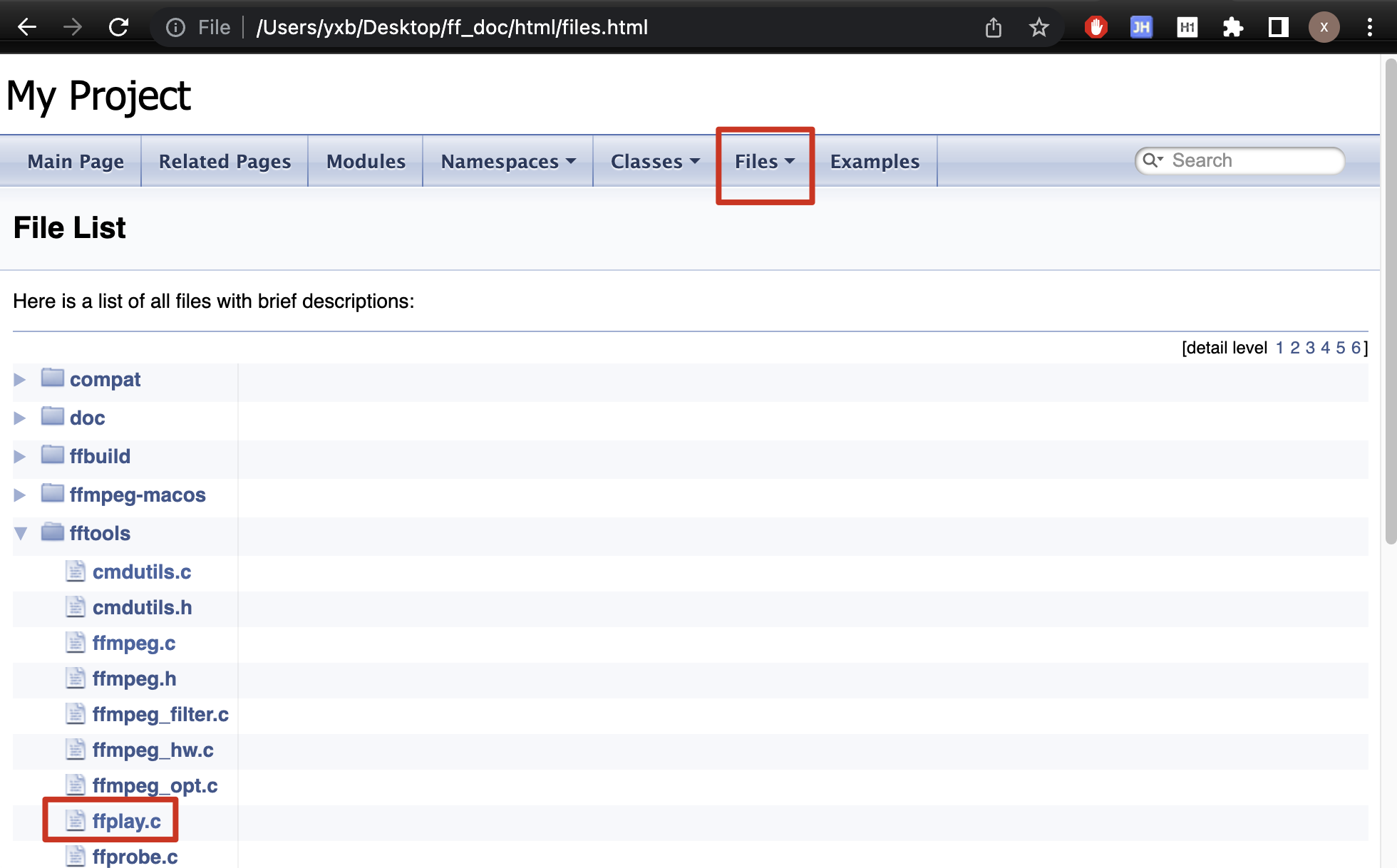
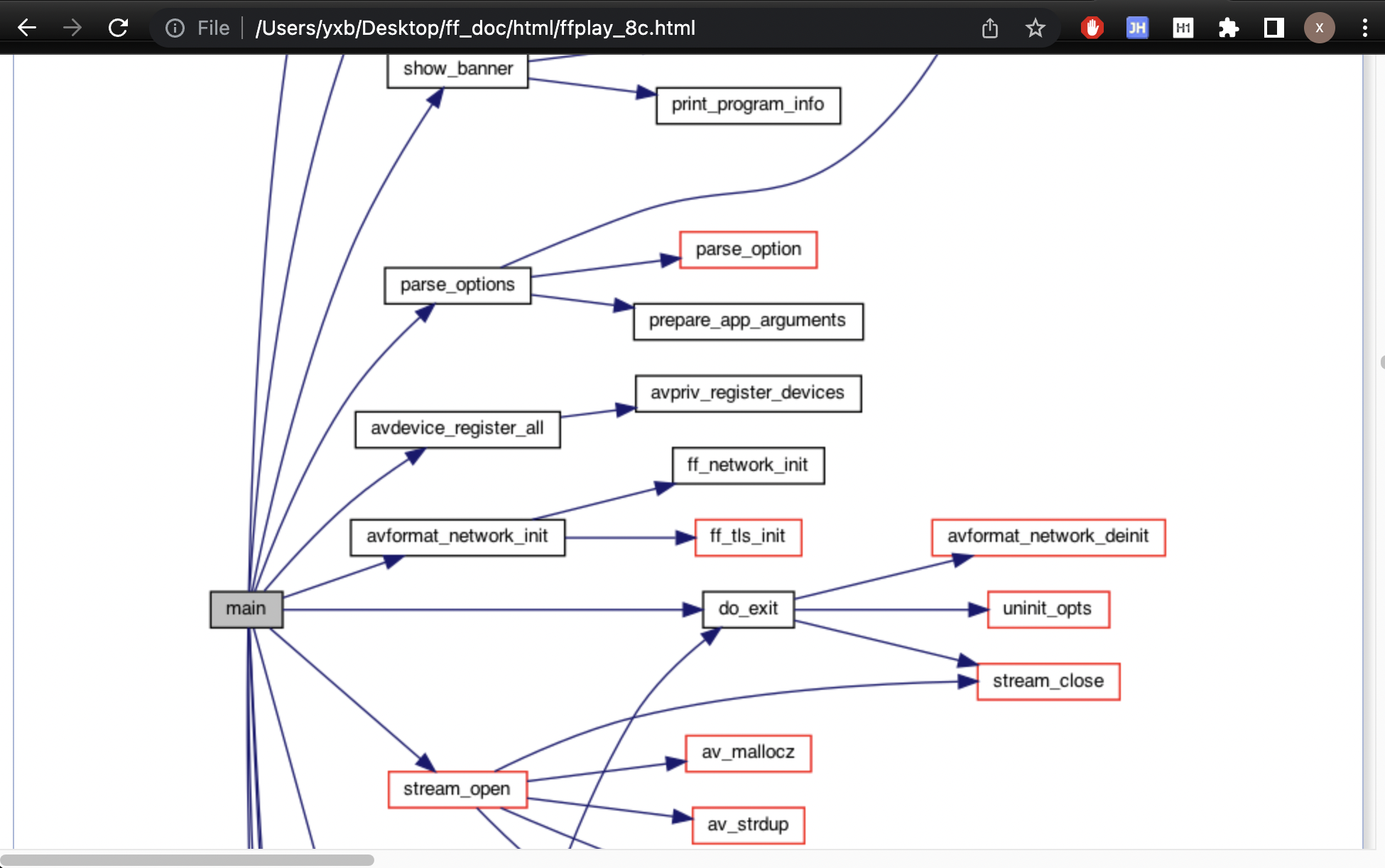
可以看到生成的函数调用图
本博客所有文章除特别声明外,均采用 CC BY-NC-SA 4.0 许可协议。转载请注明来源 yxibng!